HCA – from Kristiania to the Ice Valley | Mobile Game
Intro screen game environment design
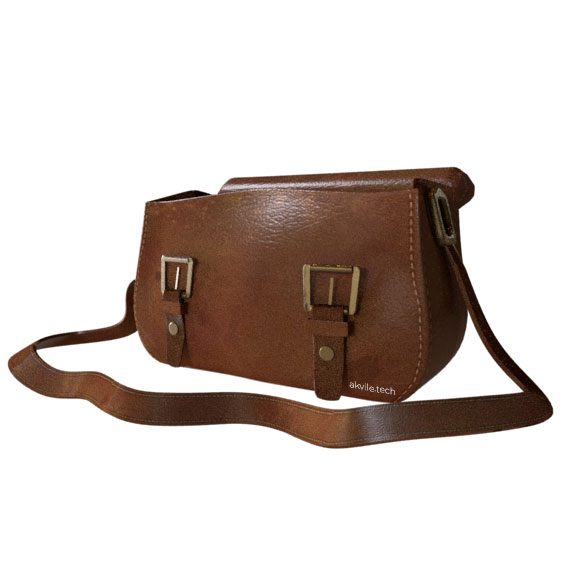
3D model for the inventory icon
ABOUT
HCA – From Kristiania to Ice Valley was another project that I was working on during the internship at Copenhagen Creators. Couple of years ago Copenhagen Creators were hired by Savannah Entertainment to help out creating RPG adventure mobile game called HCA – From Kristiania to Ice Valley. The game was based on Hans Christian Andersen’s fairy tail – the Snow Queen.
This time Copenhagen Creators got order from Savannah Entertainment to create a prototype that would be a continuation of the previous HCA – From Kristiania to Ice Valley game, except this time they wanted more puzzle driven game mechanics.
My task was to design the 3D environment for the game’s introduction screen, as well as UI – 2D, 3D icons.
3D ENVIRONMENT DESIGN
The task was to recreate a 19th century danish street as a 3D environment.
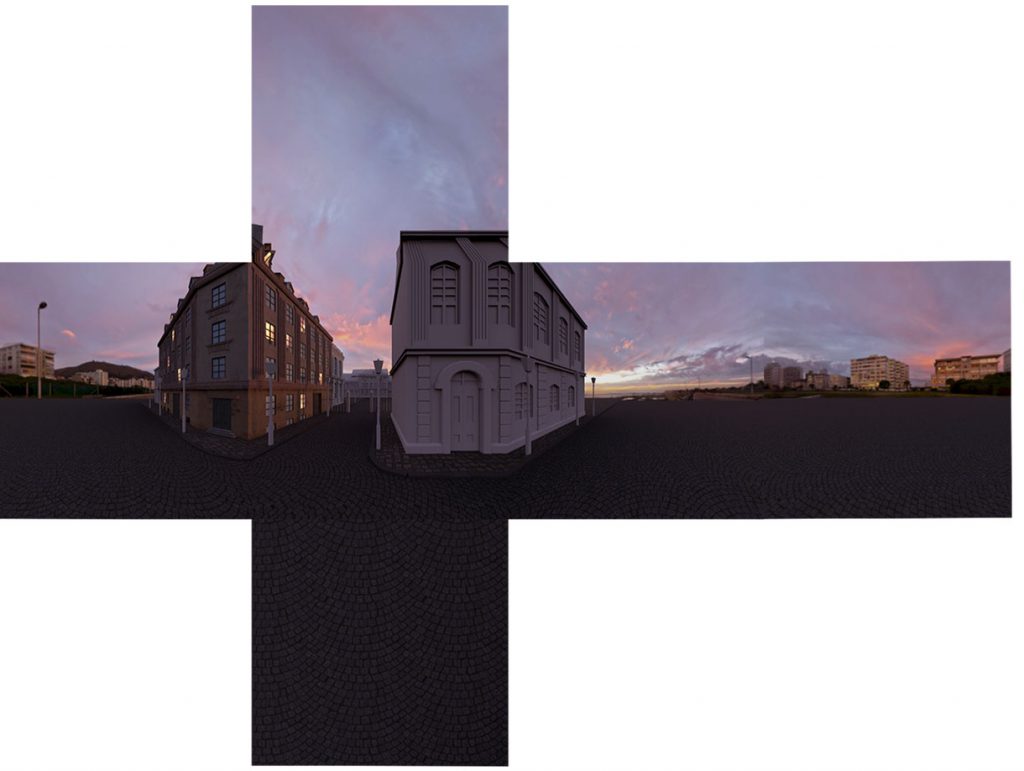
For the final outcome it was decided to produce a rendered skybox from a modeled scene, that would be used for the introduction game scene.
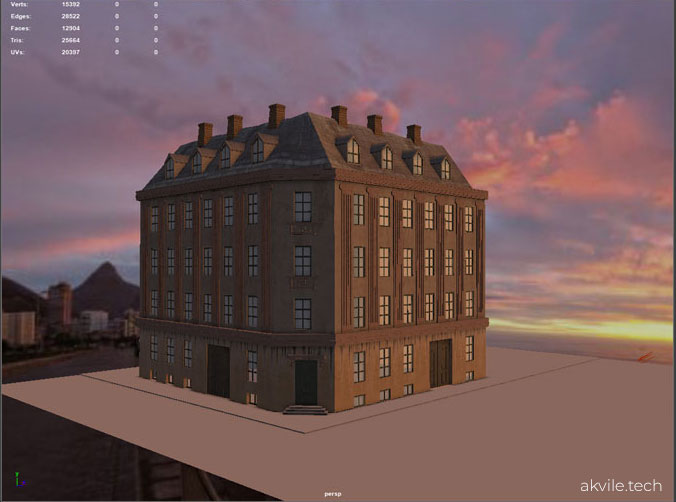
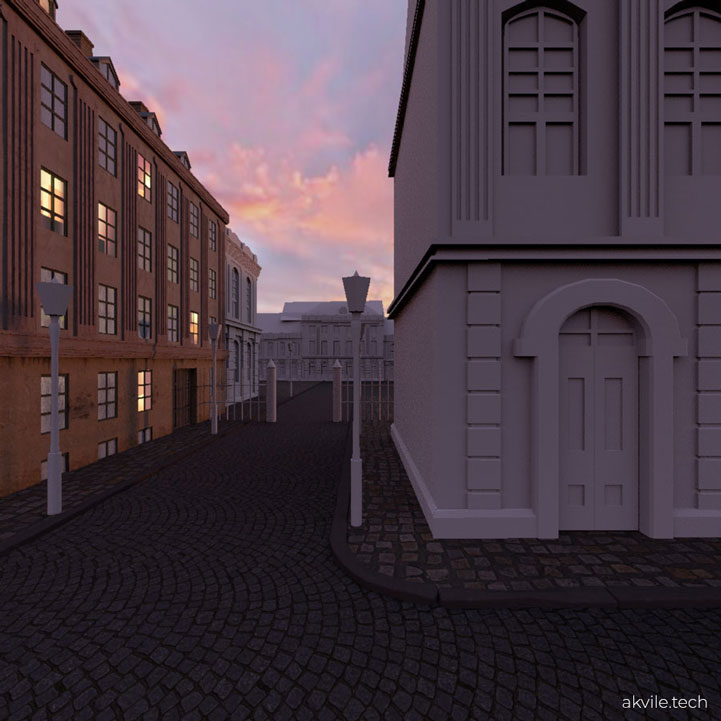
Due to the limited time, me and the lead designer decided that the main house should be well defined, detailed, and textured in contrary to other houses in the street that would be left with no textures, to indicate work in progress. If Savannah Entertainment wished to proceed with the prototype, the rest of the houses would be finished.
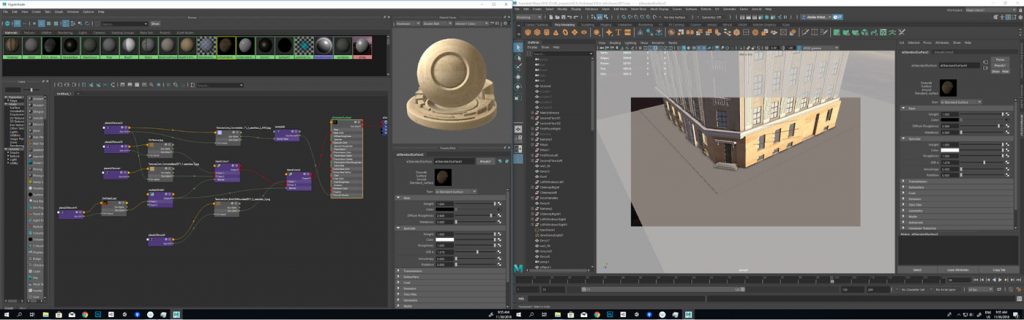
Development process – starting modeling with the basic shapes, then filling in with details, working on texturing and finally rendering 6 shots for the final cube map:
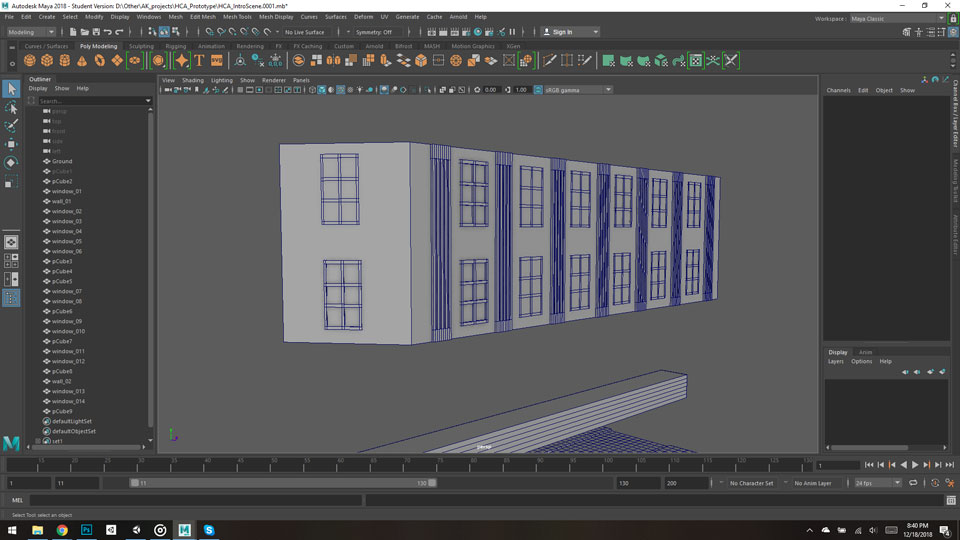
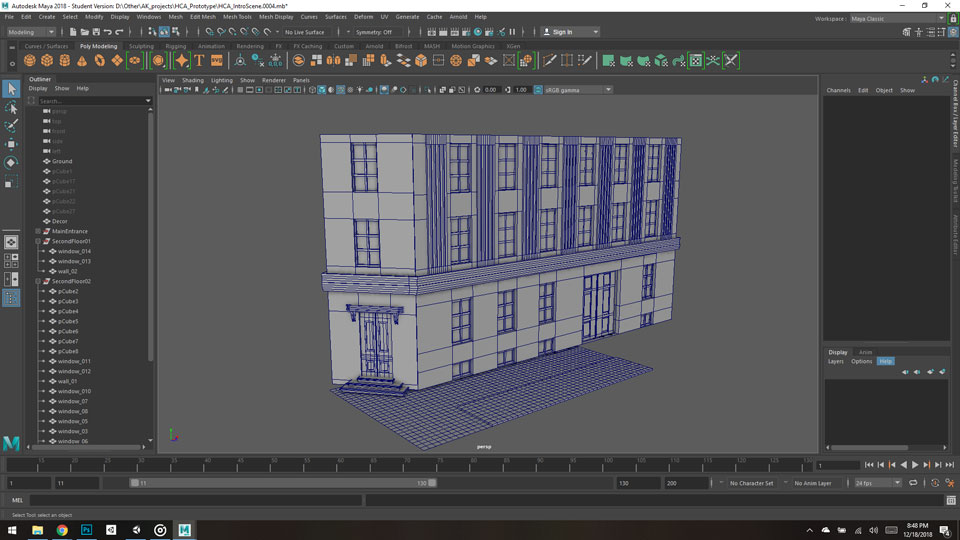
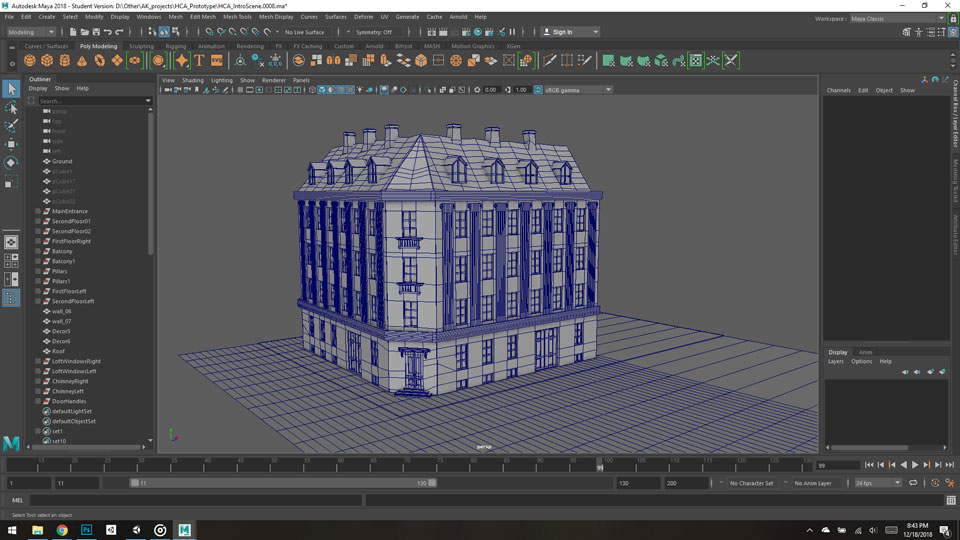
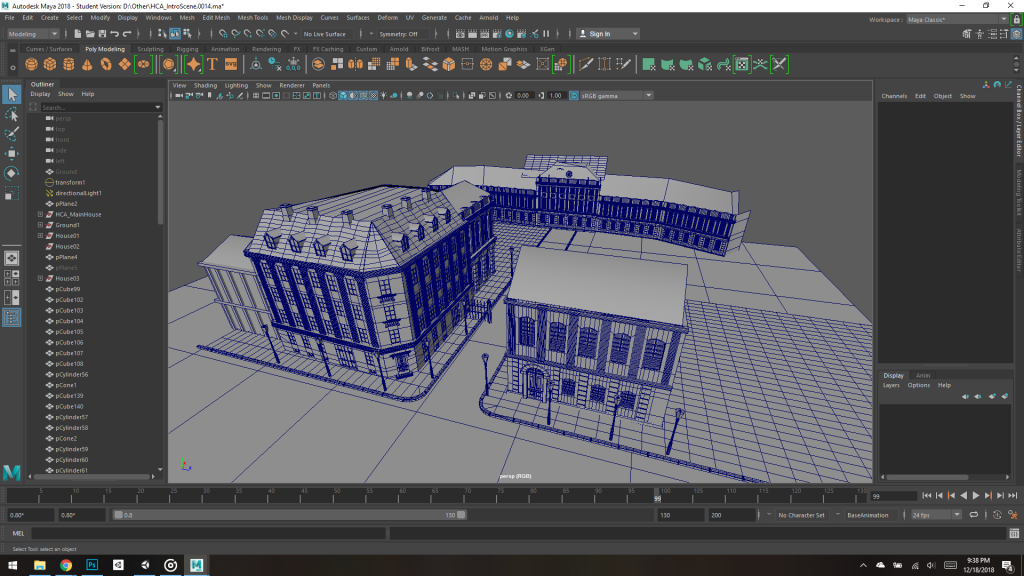
Texturing in the Maya hypershade:
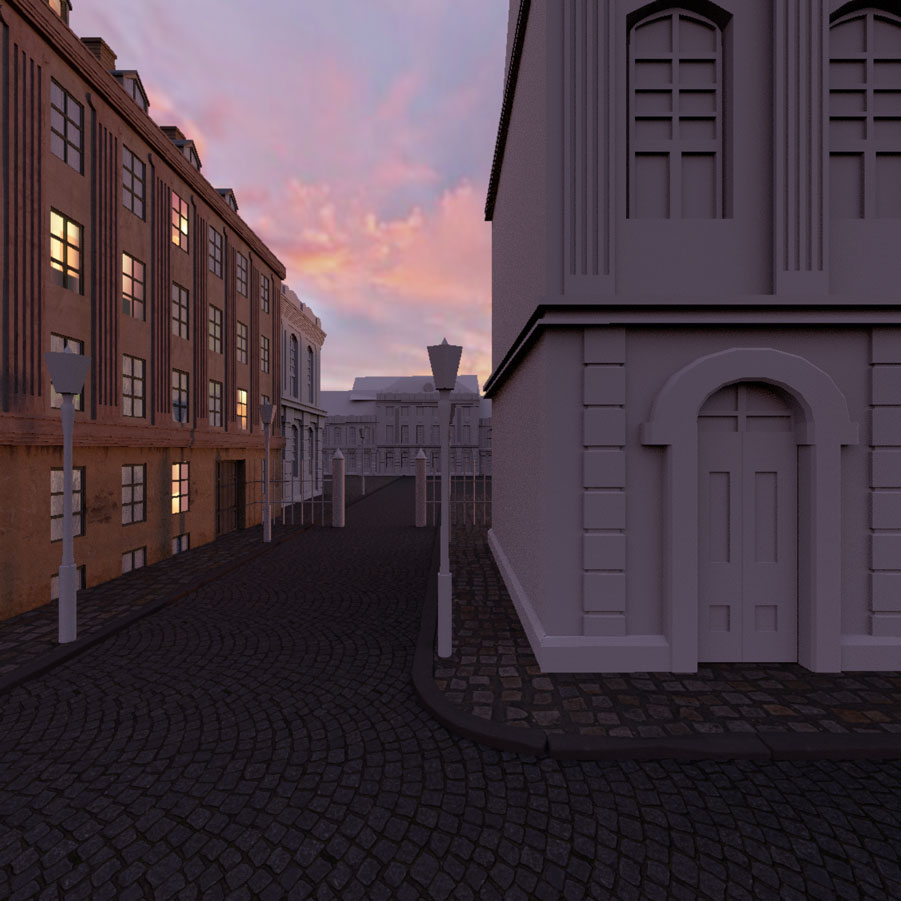
Final cube map for the game introduction scene:
GAME ASSET & UI DESIGN
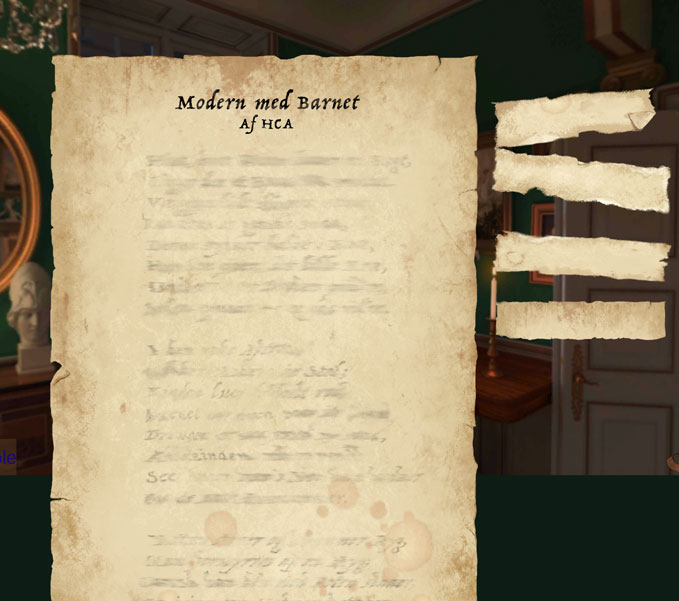
The main requirement for the UI design was realistic style and minimalistic aesthetics. I got a task to create UI for the game buttons as well as the visual design of the poem puzzle.
POEM PUZZLE DESIGN
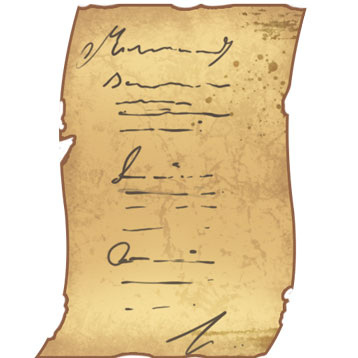
Since the style of the game was realistic, the assets had to be designed accordingly. The design of the puzzle should also suggest the functionality of it, however it should not be intrusive, leaving the space for the players imagination, e.g., the smudgy text design was meant to subtly indicate the place where the separate puzzle pieces should be placed.
GAME UI
Setting, Sound toggle, Gyroscope toggle, Main Menu and Back button icons:

INVENTORY BAG BUTTON ANIMATION
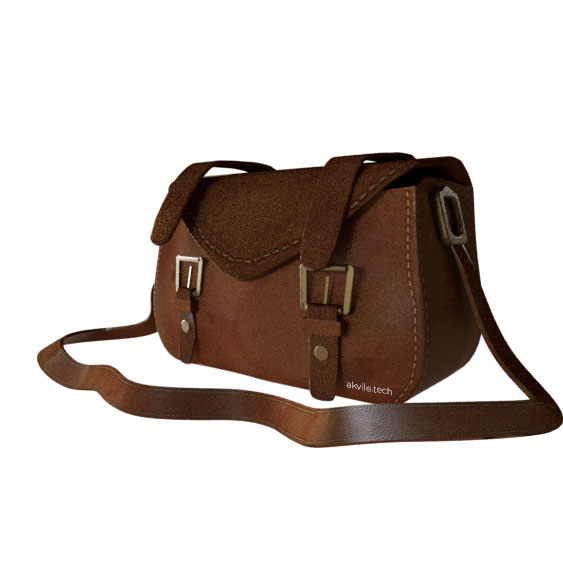
The bag was modeled, UV mapped, rigged, animated and rendered in Maya.
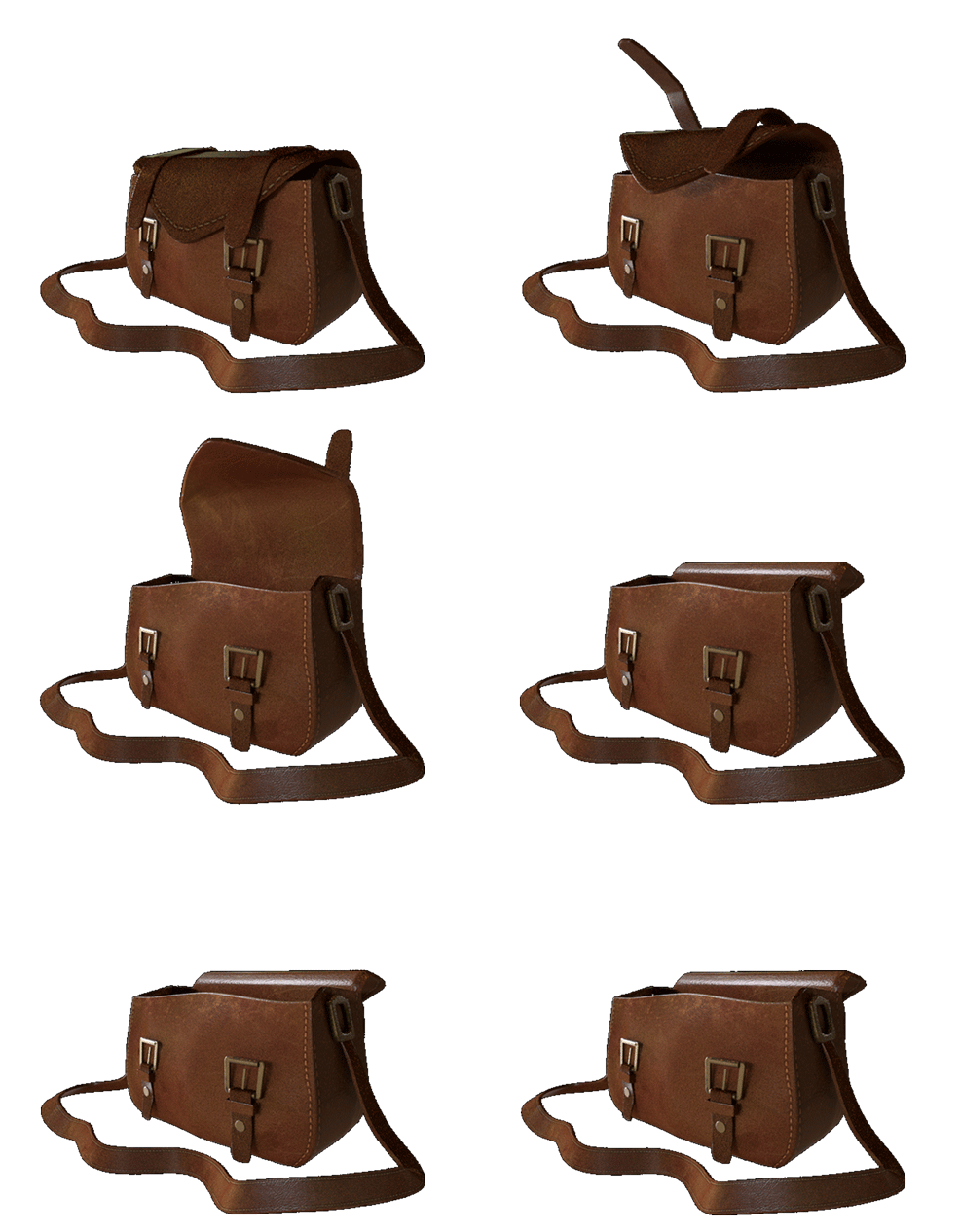
Later the animation was rendered into 16 frame pictures with Arnold Renderer:
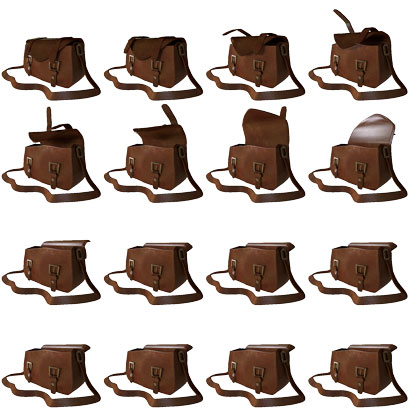
Those pictures were used to make a sprite sheet and imported to Unity, keyed in Unity Animation window with 12 fps, to get the desirable speed. The final outcome was an icon which would open and close when toggled.
Some collected items, e.g. solved poem had to have an icon that would be shown in the inventory: